> For the complete documentation index, see [llms.txt](https://ddo-taiwan.gitbook.io/toolkit/llms.txt). Markdown versions of documentation pages are available by appending `.md` to page URLs; this page is available as [Markdown](https://ddo-taiwan.gitbook.io/toolkit/ss/threads-geo-tag/threads-geo-tag.md).
# 小黃標-Threads 用戶資訊標籤
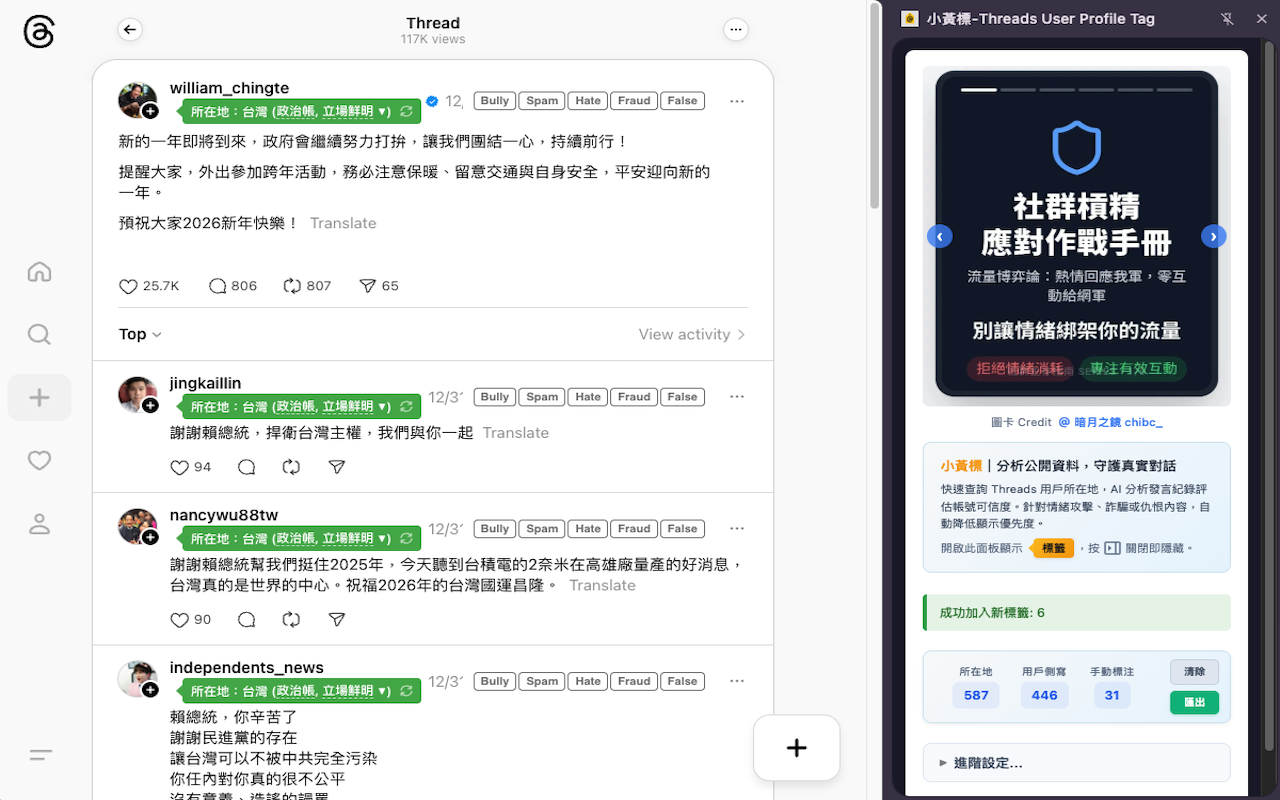
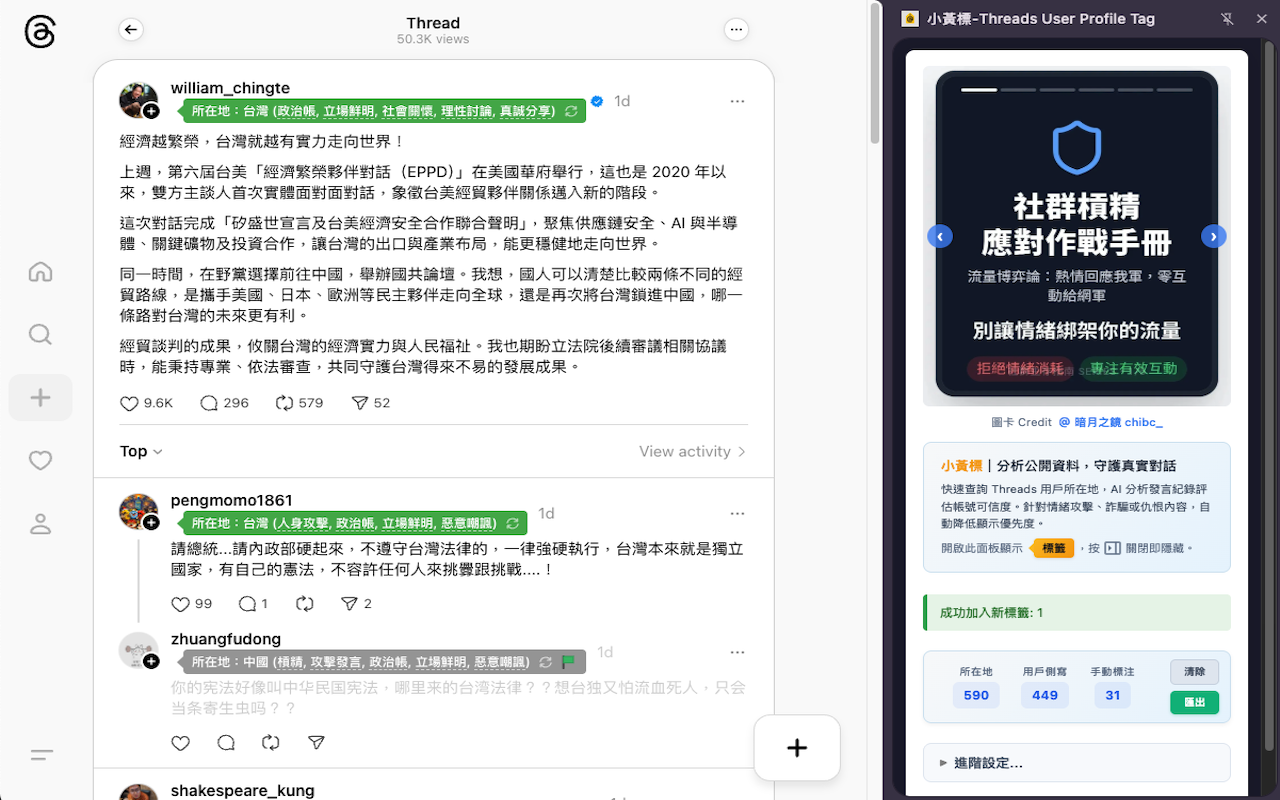
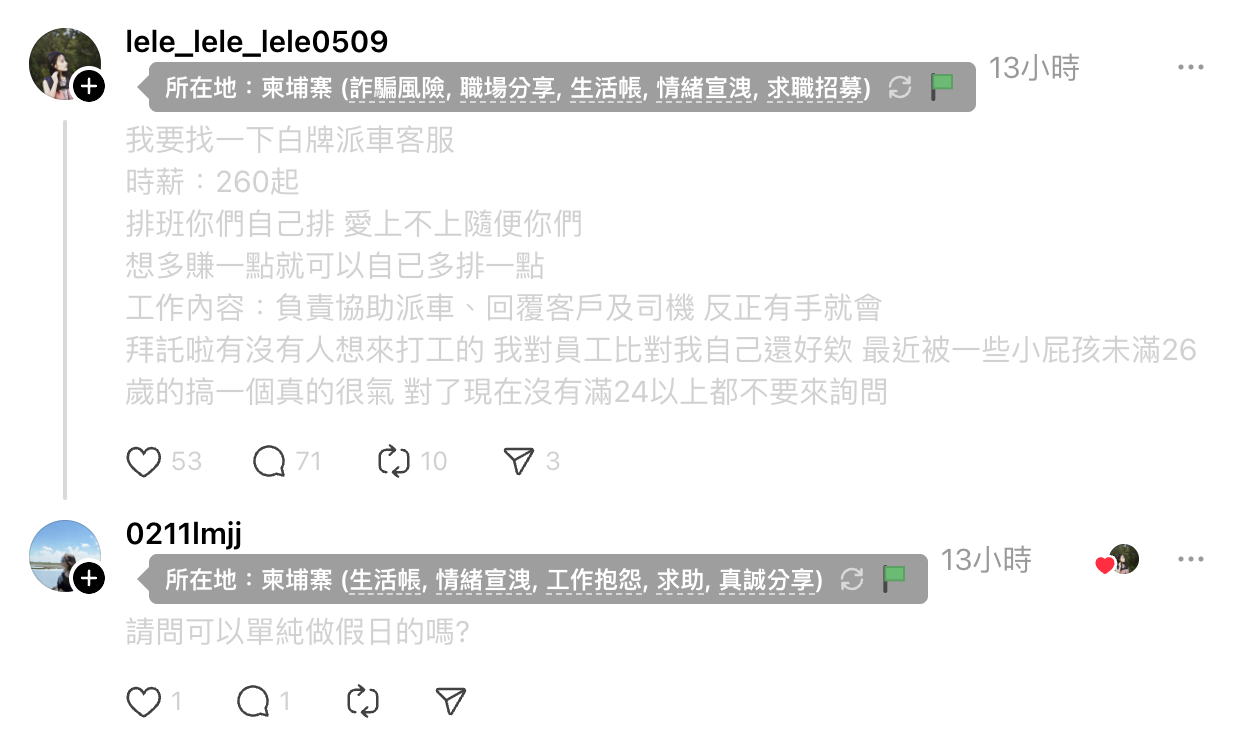
用小黃標籤顯示用戶的所在地與側寫資訊,並可自動將過去常有攻擊性言論、疑似詐騙或仇恨內容的用戶貼文,降低顯示重要度
### 功能概述
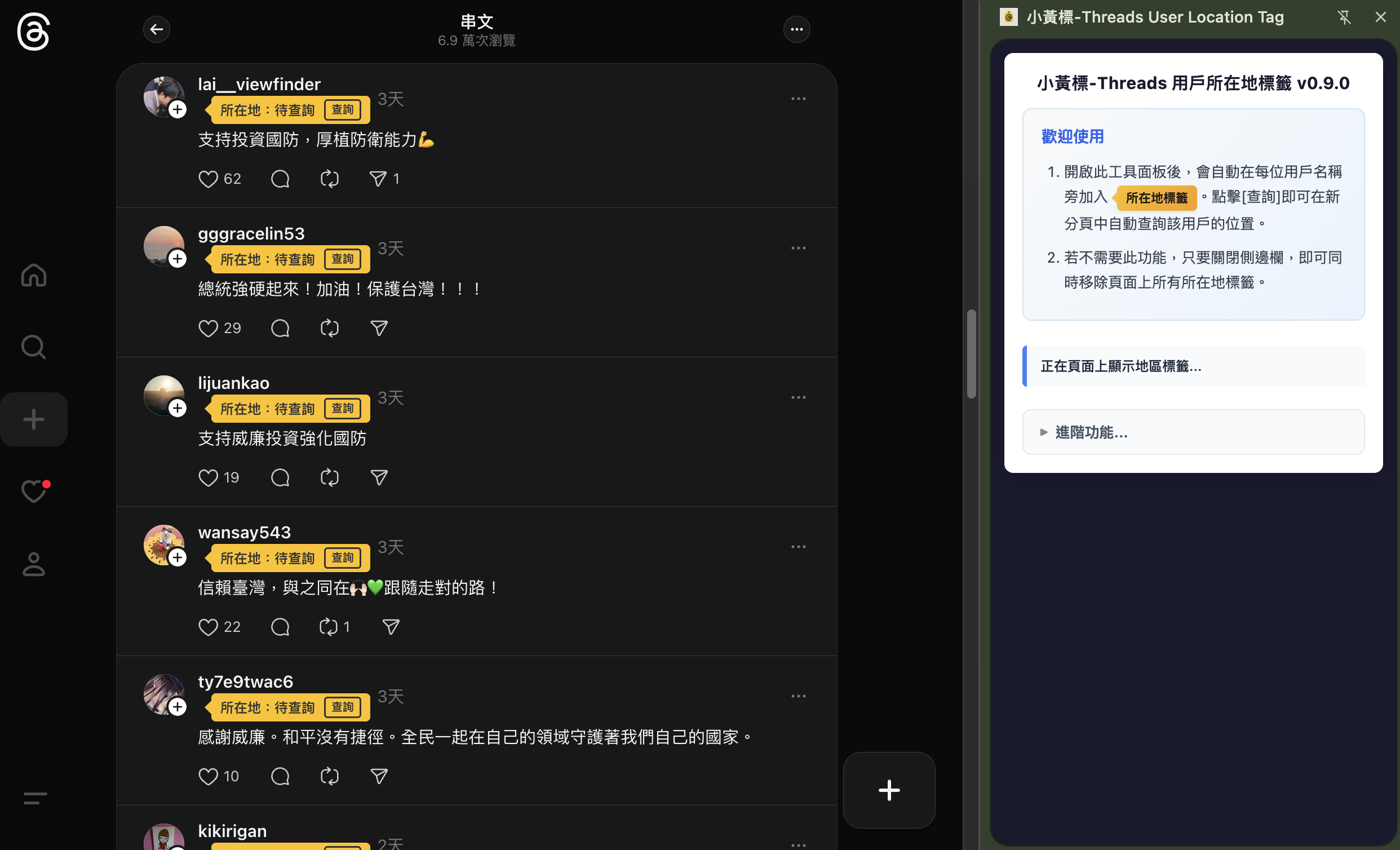
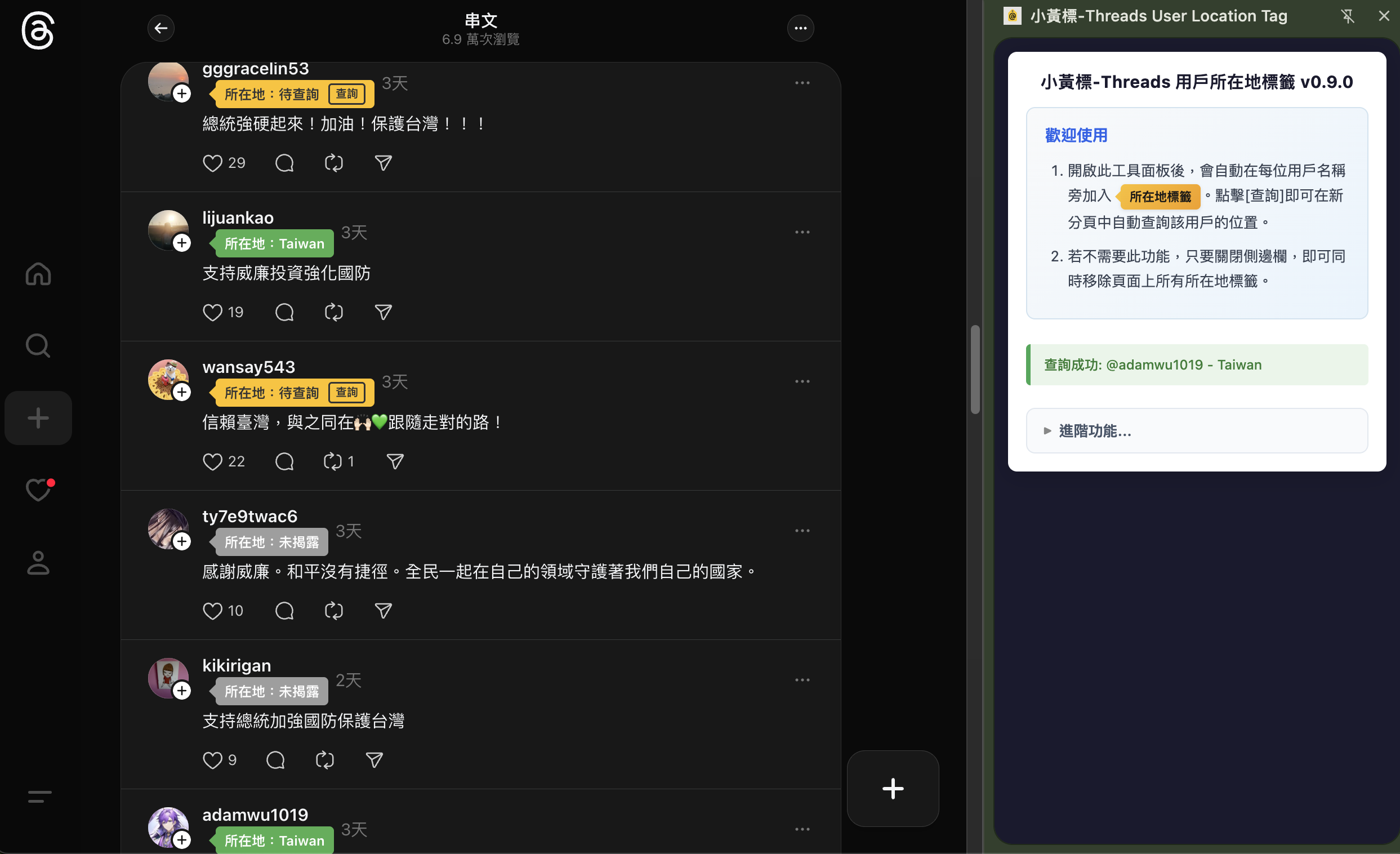
這個 Chrome Extension 工具,可以在快速查詢與顯示 Threads 用戶的所在地區資訊,以及AI分析用戶過去發言與回覆紀錄,協助識別帳號可信度。
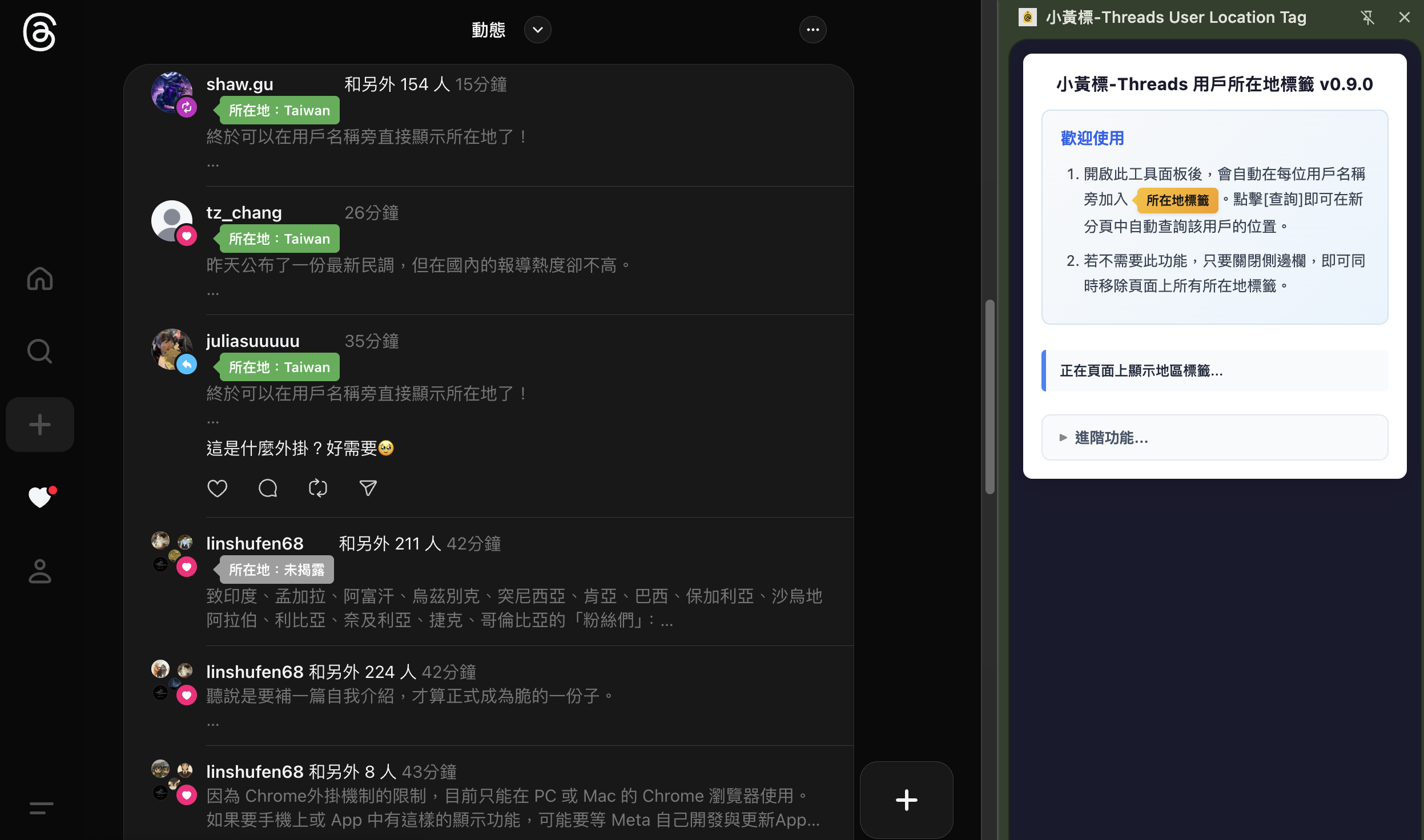
* 以小標籤方式顯示於用戶資訊旁,便於即時查看
* 支援在「粉絲清單」上使用,可以協助加速清理境外假粉絲追蹤者 ⇒ [查看詳細說明](/toolkit/ss/threads-geo-tag/yellow-tag-clean-fake-overseas-followers.md)
* 彙整 Threads 用戶的公開資料與歷史互動紀錄
* 透過 AI 進行文字內容與行為特徵分析,提供用戶側寫標註作為參考
* 所有資訊皆來自公開可取得內容,分析結果僅於使用者本地端處理與留存,不蒐集或回傳任何個人資料
* 對於過去常有攻擊性言論、疑似詐騙或仇恨內容的用戶貼文,系統會自動降低顯示重要度,讓你更專注在有價值的內容上
### 安裝方式
#### 標準安裝:從 Chrome 線上應用程式安裝
{% embed url="" %}
#### 從原始碼下載安裝(可安裝尚未通過審查的最新版本)
1. 前往 github 頁面,下載最新版本原始碼
{% embed url="" %}
1. 進入 Chrome 瀏覽器的「管理擴充功能」
2. 開啟右上角的「開發者模式」開關
3. 點擊「載入未封裝項目」
4. 解壓縮剛剛下載的原始碼檔案,選擇 `threads-goe-tag-0.9.x/chrome-extension` 資料夾來安裝
### 基本操作
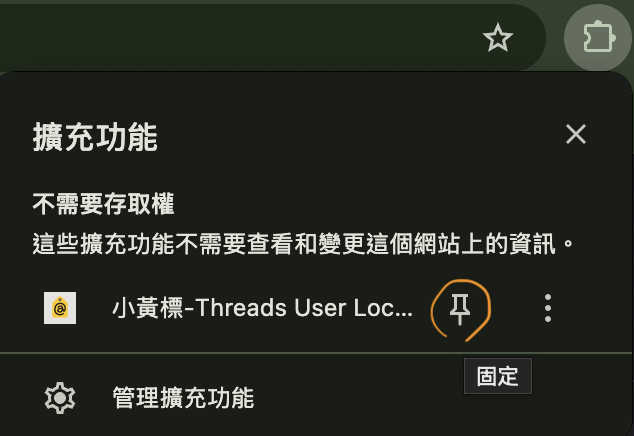
為方便隨時開關使用,可以將這個擴充功能,設定固定(pin)在瀏覽器上。
當擴充功能開啟時,頁面上會自動在用戶名稱旁添加小黃標籤,可以針對想要查詢所在地的用戶,自行按下標籤上的 \[查詢] 按鈕,程式會自動開一個新分頁來來做查詢。
可以於主河道,貼文含留言頁,動態頁甚至是粉絲清單頁面上使用。
### 進階功能選項說明
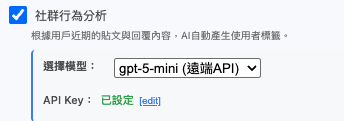
#### :square-check: 社群行為分析:可根據用戶近期的貼文與回覆功能,由AI分析並自動產生使用者的側寫標籤。
{% hint style="info" %}
此功能為實驗性功能,AI產出的標籤不一定正確,仍需自行評估參考價值。
{% endhint %}
目前支援四種方式:
1. Open AI 的雲端 API :需要自行準備並填入 API Key ,並支付相關呼叫費用
2. Anthropic 的雲端 API :需要自行準備並填入 API Key ,並支付相關呼叫費用
3. \[NEW!] Openrouter 的雲端 API :需要自行準備並填入 API Key ,有免費模型可以使用!⇒ [申請方式說明](/toolkit/ss/threads-geo-tag/apply-free-openrouter-api-key-for-yellow-tag.md)
4. Chrome 提供的本地 LLM:\
\
Windows 10 or 11; macOS 13+ (Ventura and onwards); Linux; or ChromeOS (from Platform 16389.0.0 and onwards) on [Chromebook Plus](https://www.google.com/chromebook/chromebookplus/) devices. Chrome for Android, iOS, and ChromeOS on non-Chromebook Plus devices are not yet supported by the APIs which use Gemini Nano.
GPU or CPU: Built-in models can run with GPU or CPU.
* GPU: Strictly more than 4 GB of VRAM.
* CPU: 16 GB of RAM or more and 4 CPU cores or more.
\
#### :square-check: 查詢後保留結果分頁:此選項啟用時,查詢後會保留分頁不關閉。可以用來查看用戶資訊、截圖分享、或是進一步做封鎖或退追蹤的處理。
#### :square-check: 自動查詢:如果不想要逐一點擊查詢,也可以啟動自動查詢功能。
{% hint style="info" %}
為避免因查詢過於頻繁,被停用查詢功能,建議不要一次開啟過多查詢分頁。如自動大量查詢時,有可能超過 Threads 的每日或每小時查詢上限,會出現暫時無法查詢(HTTP 409)或無法進入用戶資料頁的情況。建議稍等數小時或一天後再試,功能通常會自動恢復。但仍建議避免過度使用,以免因過量操作而增加帳號被 Meta 停權的風險。
{% endhint %}
#### :square-check: 本機儲存資料管理
系統會自動於本機儲存已經完成的查詢結果,以便下次顯示時加速。可將結果匯出分享給其他用戶。
### 作者與問題回報
{% embed url="" %}
{% embed url="" %}